Scheme of works for using a scanner, digital camera and Photoshop Course spring 2004
Lesson 11
Please do the following exercise as soon as you can. (30 minutes)
EXERCISE 1
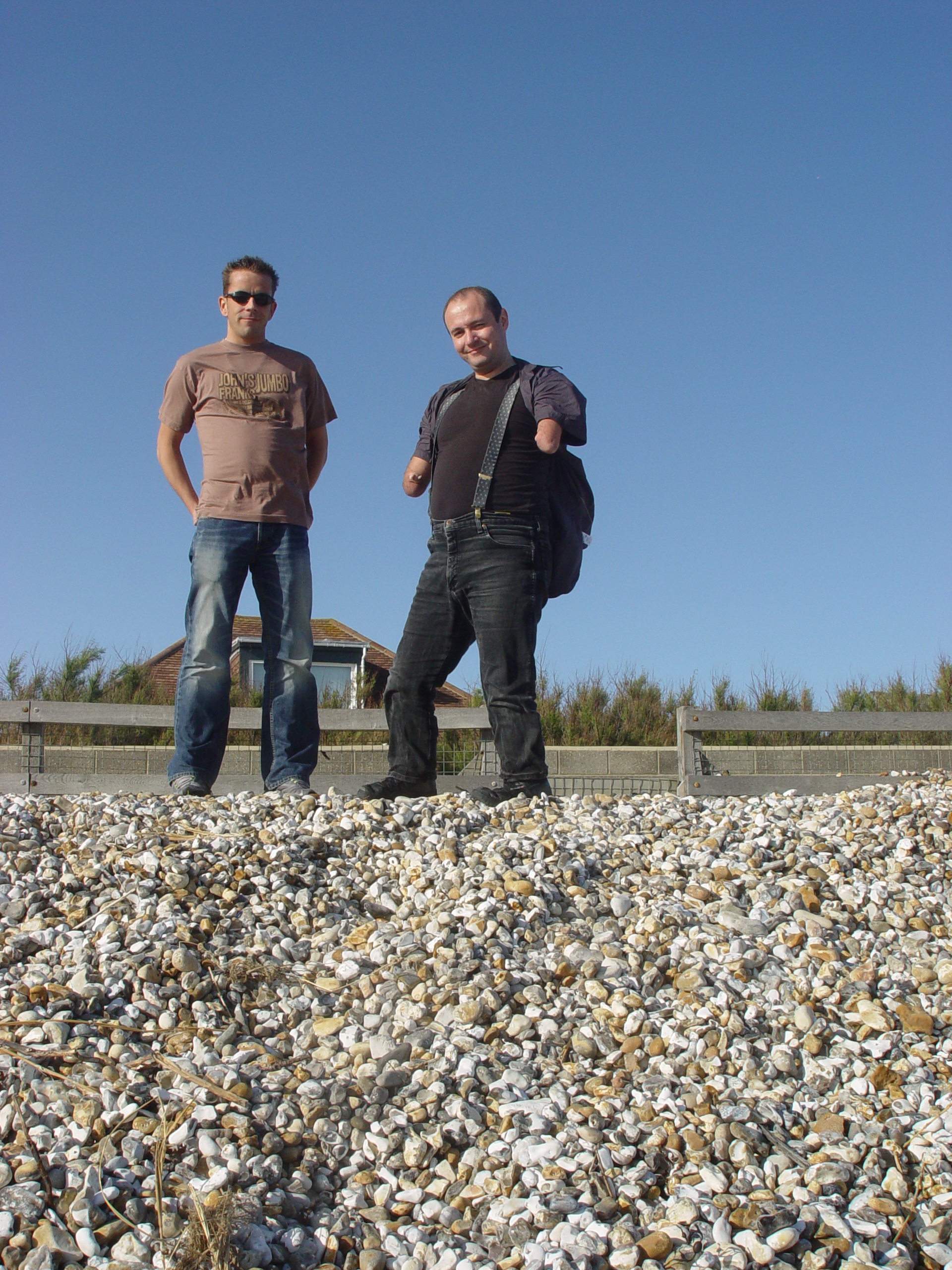
1. Download the picture above in to Photoshop, it'll take a while as it's a large file. Why not try right clicking on it instead and selecting "save picture as", then save the image to the "my pictures" folder. Once you've done that you can open the image in to Photoshop in the normal way.
2. Prepare two versions of the image above, one should be for printing, and should be cropped and tidied up. The other image should be prepared for email and should be a close crop of both our heads and shoulders. Both versions should be saved with appropriate file names and in appropriate file formats. When you think you've finished call the tutor over to check over your work.
EXERCISE 2 (30 minutes)
Working in groups of three create 3 pictures. Picture 1 should be of one of the other two in the group, picture 2 should be of the other two, and picture 3 should be of all three of you. you have two minutes to set up each picture.
Photoshop section
The Print screen function - can over come copy protection
Transform functions 10
Blur tool 10
The Unsharpen filter Want to know more then click on this link10