Scheme of works for using a scanner, digital camera and Photoshop Course spring 2004
Lesson 2
Digital camera section
The basics of how a digital camera works
Common features of digital cameras.
Protecting the lens / camera / use the strap and lens cap
Introduction to the "lock down" technique.
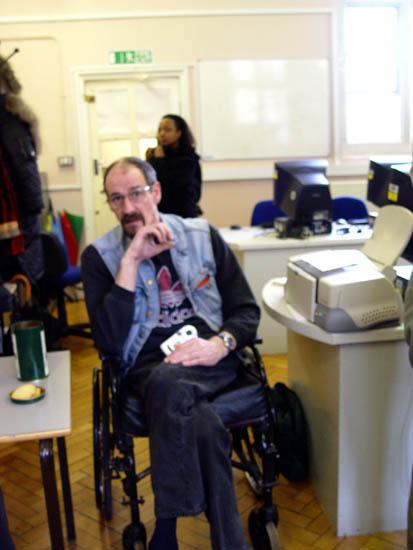
If you just push down the shutter button without
using the lock down technique it's more than likely
the camera will focus on a part of your picture that you don't want it
to.
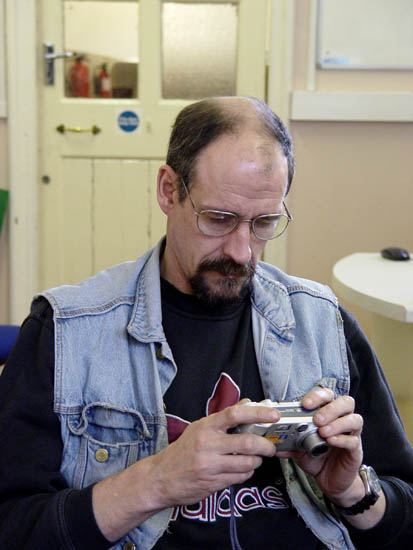
Here I used the lockdown technique and WOW! it's in focus. See I told
you.
Photoshop section
A resolution to understand Pixels (Picture elements) get students to
create a 10 pixel image then define it to print at A4 then do the same
with different size pictures. Demonstrate then try out.
The toolbox and its sections
The options toolbar.
Using TAB
Using F key
Using shift and TAB
Creating a new file - basic
The different palette windows > moving them around and switching them in to groups.
Defining a custom workspace
Defining how big the "canvas is"
Selecting the basic drawing tools
Changing brushes
Changing colours
Changing opacity
Drawing
Using the magnifying class to zoom in
Double clicking on the hand and magnifying glass icons to change the view
Undo and history
Saving the image at different points by using "Save as"
Understanding different file types
End of lesson 2
This is here for no good reason other than I quite liked it